TV Wall Mounting Wellington: 9 Easy Tips Before You Book
TV wall mounting Wellington jobs look simple on paper, but a rushed install can leave you with a wobbly bracket, exposed cables, or damage to plasterboard. Before you book anyone, run through…
Table of Contents
- Why a Checklist Matters for TV Wall Mounting
- Pre-Booking Checklist for TV Wall Mounting Wellington Jobs
- Common TV Wall Mounting Wellington Mistakes to Avoid
- What a Professional TV Wall Mounting Wellington Service Should Include
- Wall Type Considerations for TV Wall Mounting Wellington Jobs
- Pairing TV Mounting With a Home Network Upgrade
- Soundbars and Additional AV Equipment
- Choosing Between a Fixed, Tilting, and Full-Motion Bracket
- Key Takeaways
- Frequently Asked Questions
TV wall mounting Wellington jobs look simple on paper, but a rushed install can leave you with a wobbly bracket, exposed cables, or damage to plasterboard. Before you book anyone, run through this checklist to make sure the job is done properly the first time — and to know which questions actually matter when comparing quotes.
Why a Checklist Matters for TV Wall Mounting
Wellington homes vary a lot — from older timber-framed villas in Mount Victoria and Brooklyn to newer apartments in the CBD with concrete or brick walls. What works for one wall type can be completely wrong for another, and getting your TV wall mounting Wellington job wrong isn’t just cosmetic — a poorly mounted TV is a genuine safety risk, particularly in households with children. BRANZ, New Zealand’s building research authority, notes that fixings must be matched to the specific wall substrate to safely carry sustained loads, which is exactly why a generic mounting approach doesn’t work across every home.
Pre-Booking Checklist for TV Wall Mounting Wellington Jobs
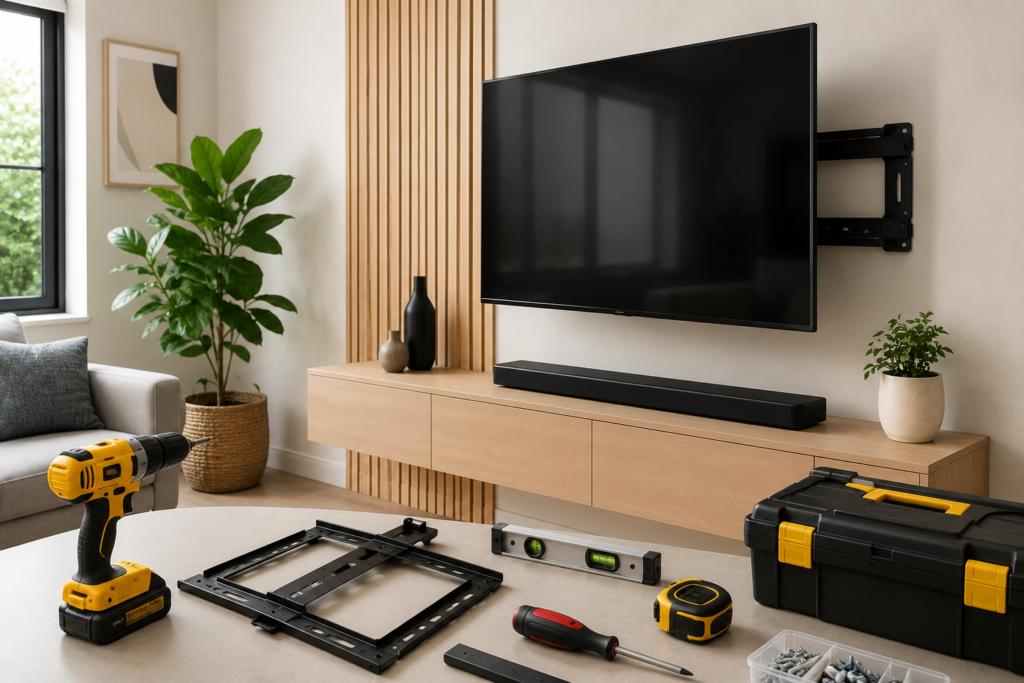
1. Confirm Your Wall Type
Ask whether the installer has checked, or will check, your wall type — plasterboard, brick, concrete, or weatherboard. Each requires different fixings and weight-rating checks, and this single question separates a professional installer from a rushed job.
2. Ask About Stud Detection
A TV should always be mounted into wall studs or another solid backing, never plasterboard alone. Confirm the installer uses a stud finder or an equivalent reliable method before drilling any holes.
3. Check the Bracket’s Weight Rating
Brackets are rated by both weight and screen size using the VESA mounting pattern. Ask whether the bracket suits your specific TV model and its actual weight, not just a generic “any TV” bracket, which is a common shortcut on cheaper quotes.
4. Ask About Cable Management
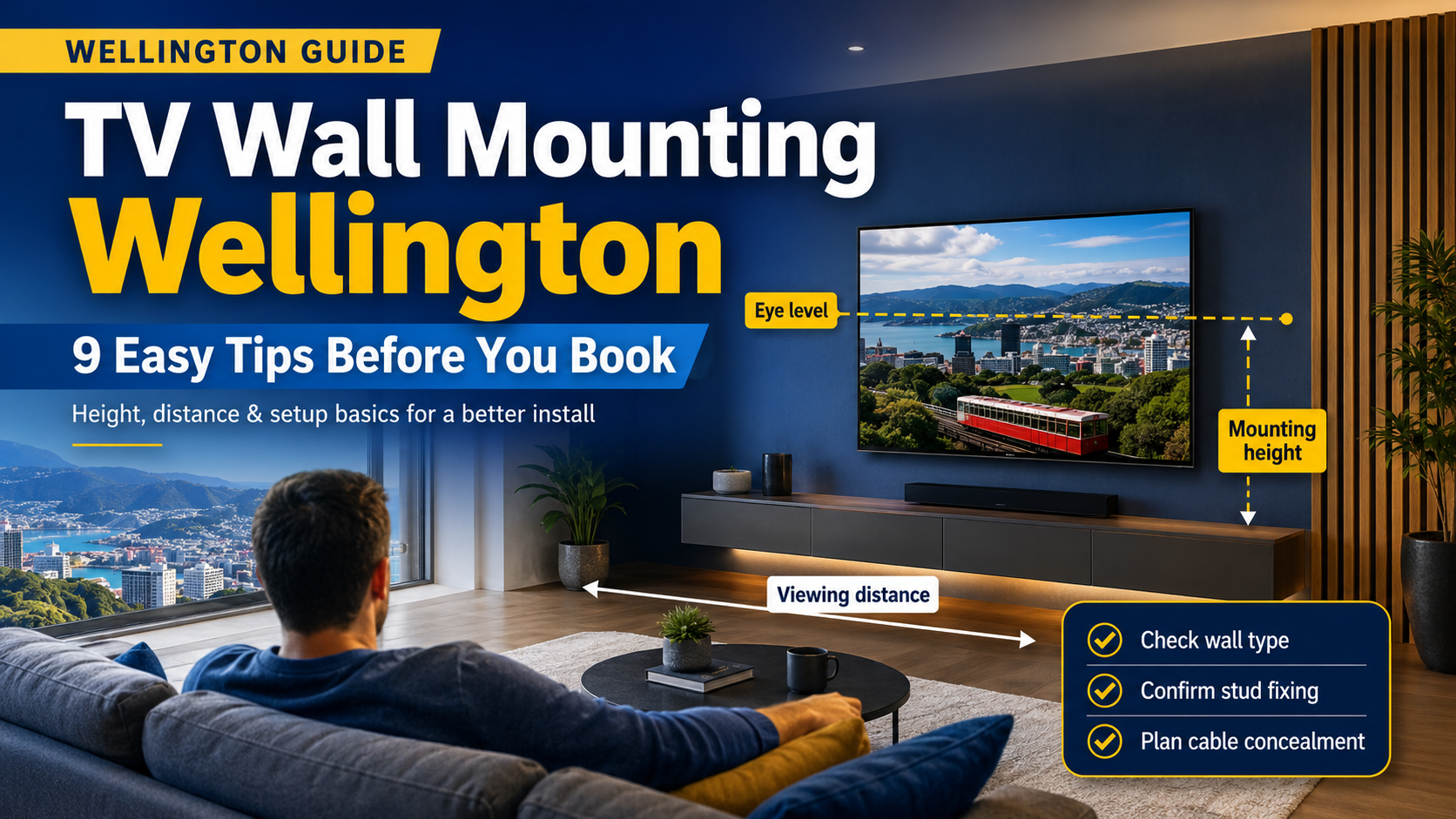
A tidy install hides power and HDMI cables inside the wall cavity or within a discreet cable channel. Ask upfront whether cable concealment is included in the price or charged as a separate line item.
5. Discuss Viewing Height and Angle
The ideal TV height depends on your seating distance, couch height, and room layout. A good installer will ask about your seating position rather than mounting at a generic “eye level” that may not suit your actual living room.
6. Ask About Tilting or Full-Motion Brackets
Fixed brackets are the cheapest option, but tilting or full-motion brackets are worth the extra cost in rooms with glare, high mounting points above a fireplace, or multiple seating angles around an open-plan living space.
7. Confirm What’s Included in the Quote
Get clarity on whether the bracket itself is included in the price, or whether you need to supply your own. Some quotes are labour-only, which can make a “cheap” quote more expensive once you add the bracket cost yourself.
8. Ask About Wall Repair
If an existing mount is being removed or repositioned, ask whether small hole patching is included, or whether you’ll need to arrange separate wall repair afterward.
9. Ask How Power Is Being Handled
If there isn’t a power outlet near your desired TV position, ask whether the installer can arrange a recessed power point or whether you’ll need a licensed electrician for that part separately.
Common TV Wall Mounting Wellington Mistakes to Avoid
- Mounting into plasterboard only. This is the most common failure point and can result in a TV falling off the wall, particularly with larger, heavier screens.
- Ignoring cable management. Leaving cables hanging looks unfinished and can create a trip or safety hazard near power points, especially in family homes.
- Mounting too high. A frequent mistake in open-plan living rooms, this leads to neck strain during regular viewing and often has to be corrected later at extra cost.
- Not checking for pipes or wiring. Older Wellington homes especially need a proper check before drilling into walls, since renovation history isn’t always documented.
- Using a bracket rated below the TV’s actual weight. Larger modern TVs, especially 65-inch and above, need brackets specifically rated for that weight class.
- Skipping a level check. A TV mounted even slightly off-level becomes obvious once furniture and shelving are added around it.
What a Professional TV Wall Mounting Wellington Service Should Include
- A wall assessment before any drilling begins
- The correct bracket for your TV’s size and weight
- Secure fixing into studs or appropriately rated wall anchors
- Cable concealment wherever the wall type allows it
- A clean, level finish checked with proper tools, not by eye
- A quick walkthrough so you know how to adjust or safely remove the TV later
- Written confirmation of what’s covered under warranty if something comes loose
Wall Type Considerations for TV Wall Mounting Wellington Jobs
Plasterboard (Gib) Walls
The most common wall type in modern Wellington homes. Requires fixing into timber studs behind the plasterboard, or heavy-duty anchors rated for the TV’s specific weight if a stud isn’t available in the ideal position.
Brick and Concrete Walls
Common in some older Wellington properties and apartment blocks. Requires masonry drill bits and appropriate anchors, and generally takes longer to install than plasterboard due to the material’s hardness.
Weatherboard Exteriors (for Outdoor TVs)
Less common, but relevant for outdoor entertaining areas. Requires weatherproof brackets and careful attention to cable sealing to prevent moisture ingress.
Heritage Villas
Older Wellington villas can have inconsistent stud spacing and sometimes scrim or lath-and-plaster walls behind more modern surface finishes, which changes the fixing approach considerably compared to a standard new-build.
Pairing TV Mounting With a Home Network Upgrade
If you’re mounting a TV as part of a broader home entertainment or home office setup, your TV wall mounting Wellington installer can often plan your data cabling at the same time. Our guide on data cabling vs WiFi for a home office covers when a wired connection to your entertainment unit is worth the extra step, particularly for streaming boxes or smart TVs that benefit from a stable wired connection rather than relying on WiFi alone.
Soundbars and Additional AV Equipment
If you’re mounting a soundbar underneath the TV, or adding a games console, streaming box, or AV receiver to the setup, it’s worth discussing this with your installer upfront rather than as an afterthought once the TV is already up. Soundbar brackets, additional shelving, and extra cable runs for connected devices are all easier to plan and conceal properly when they’re part of the original job rather than added later around a finished installation.
Choosing Between a Fixed, Tilting, and Full-Motion Bracket
Fixed brackets hold the TV flat against the wall and are the cheapest, most discreet option, but they don’t allow any angle adjustment once installed. Tilting brackets allow the TV to angle slightly downward, which is useful when mounting above eye level, such as above a fireplace. Full-motion brackets allow the TV to swing out and rotate, which suits open-plan spaces where the ideal viewing angle changes depending on where people are sitting. The right choice depends entirely on your room layout, and a good installer will ask about your specific seating arrangement before recommending one over another rather than defaulting to whichever is easiest to install.
Key Takeaways
- For any TV wall mounting Wellington job, always confirm wall type and stud detection before booking — this is the single biggest factor in a safe, long-lasting install.
- Bracket weight rating should match your specific TV model, not a generic size range.
- Cable management and wall repair should be discussed and confirmed in the quote upfront.
- Heritage Wellington homes often need a different fixing approach than newer builds.
- Combine TV mounting with data cabling if you’re setting up a broader entertainment or home office system.
Frequently Asked Questions
Can any TV be wall mounted? Almost all modern flat-screen TVs support wall mounting via a standard VESA hole pattern on the back. It’s worth checking your TV’s manual to confirm the VESA size before booking an installer.
Is TV wall mounting safe on plasterboard walls? Not on its own. Plasterboard alone can’t support a TV’s weight long-term — mounting should always anchor into wall studs or use heavy-duty plasterboard anchors specifically rated for the TV’s weight, a point Consumer NZ has flagged in general home safety guidance around wall-mounted appliances and fixtures.
How long does TV wall mounting take? A standard TV wall mounting Wellington job with visible cables usually takes 30–60 minutes. Jobs with in-wall cable concealment can take 1–2 hours depending on wall type and cable routing complexity.
Should cables be hidden inside the wall? It’s the neatest option and is possible in most plasterboard walls, though not always achievable in brick or concrete walls without additional conduit work.
Do I need an electrician as well as an installer? Only if you need a new power outlet added behind or near the TV. Many installations use an existing nearby outlet with a concealed cable run, avoiding the need for separate electrical work.
What TV sizes typically need a professional installer rather than a DIY mount? Anything above 55 inches generally benefits from professional installation, given the weight considerations and the importance of correct stud or anchor placement for larger screens.
Ready to get your TV mounted properly? Book a TV wall mounting service in Wellington with S-Tech Services and get a clean, secure install with no wobbly brackets or exposed cables.
Related Posts