Fixed vs Full Motion TV Mount: 7 Easy, Essential Checks
Comparing a fixed vs full motion TV mount is about more than how close the screen sits to the wall. The bracket must fit your television, suit the wall structure and place the picture where you comfortably watch it. These seven checks help Wellington homeowners choose a mount before buying hardware or booking installation.
Table of Contents
- 1. Fixed vs full motion TV mount: understand the difference
- 2. Check the exact television model
- 3. Confirm the wall can support the installation
- 4. Test the viewing position from your actual seat
- 5. Leave space for movement, ventilation and cables
- 6. Choose a cable finish that suits the room
- 7. Compare total installed value
- Which bracket is a sensible starting point?
- fixed vs full motion TV mount: frequently asked questions
Comparing a fixed vs full motion TV mount is about more than how close the screen sits to the wall. The bracket must fit your television, suit the wall structure and place the picture where you comfortably watch it. These seven checks help Wellington homeowners choose a mount before buying hardware or booking installation.
1. Fixed vs full motion TV mount: understand the difference
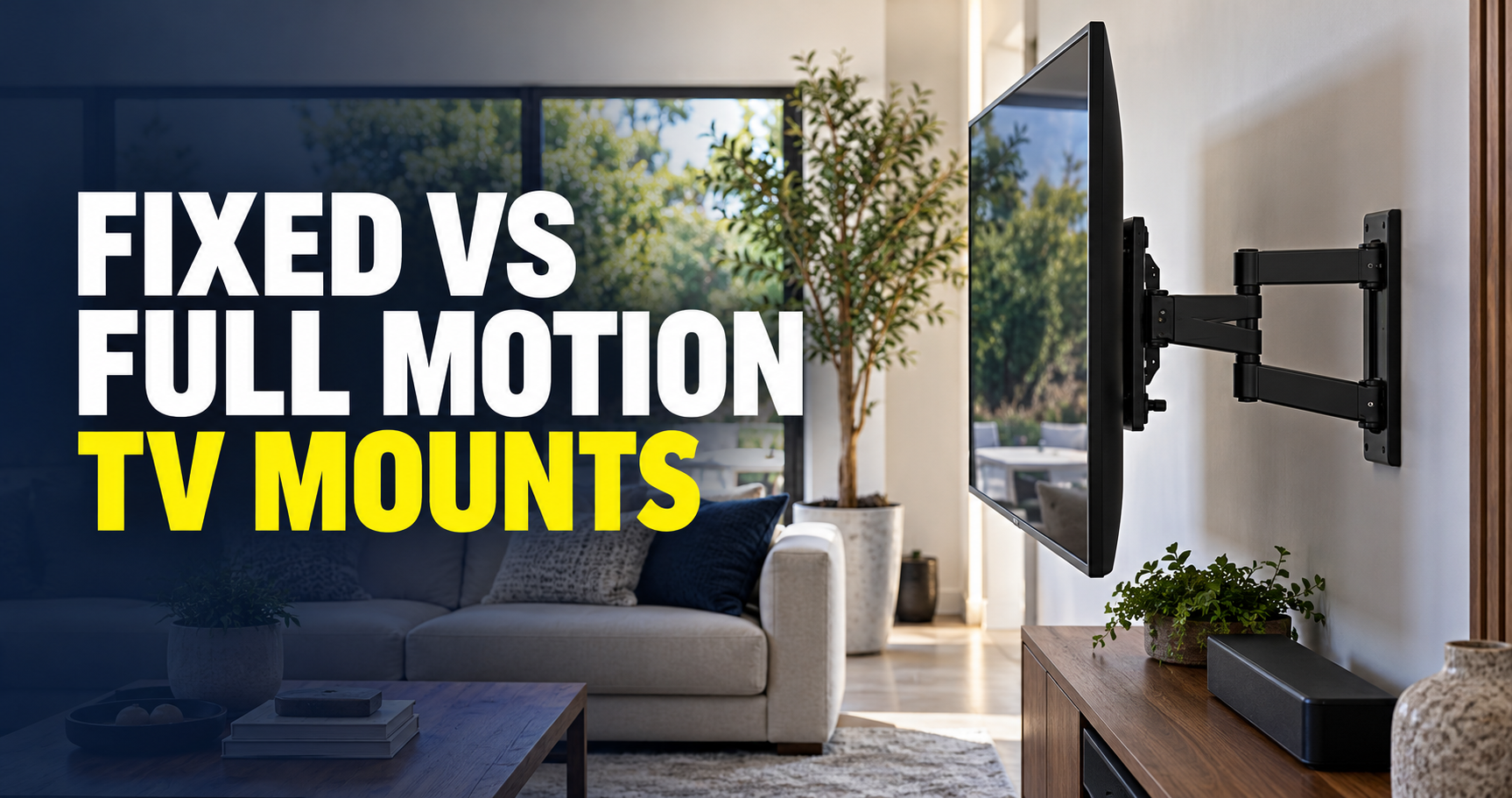
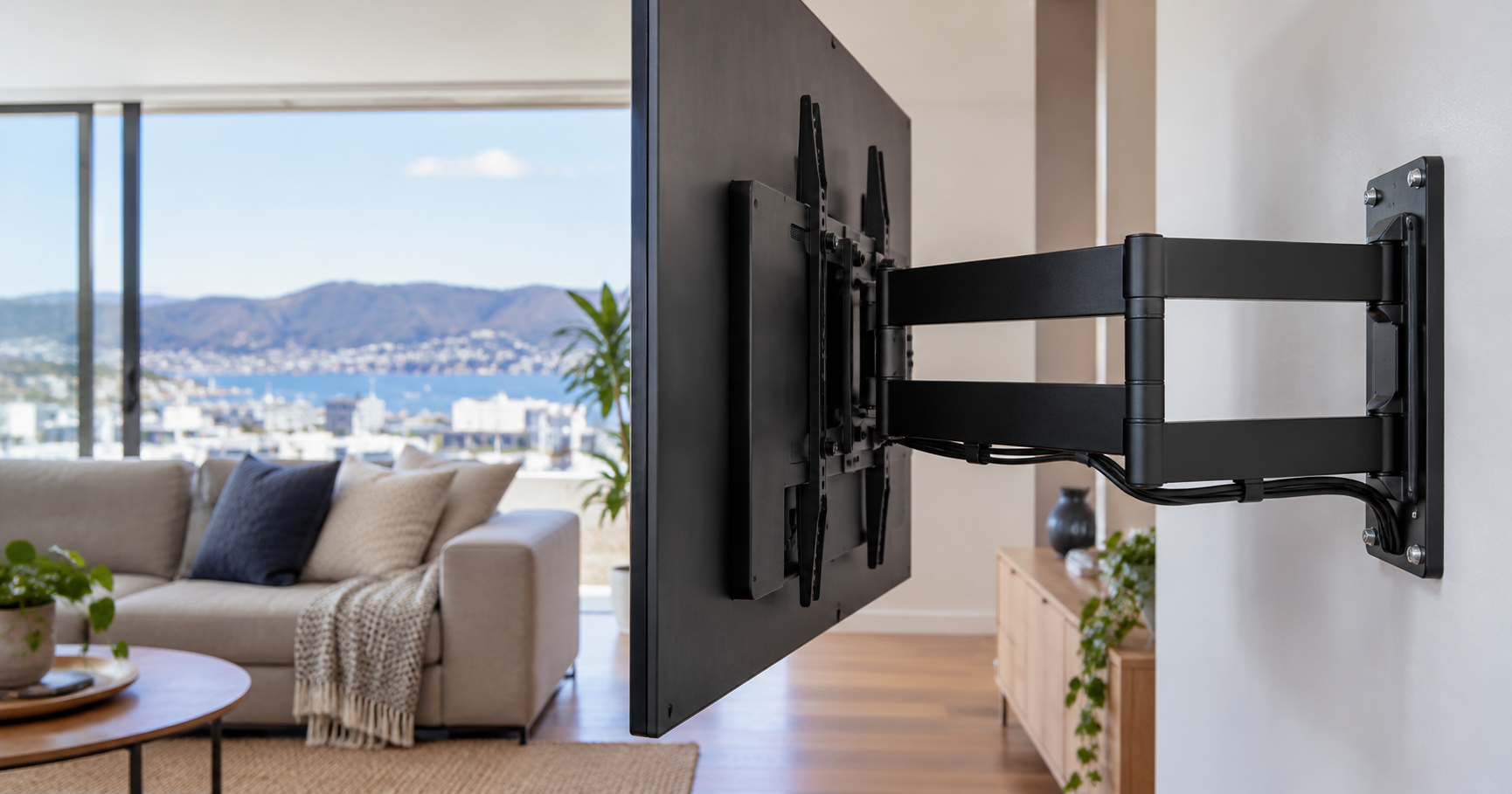
In a fixed vs full motion TV mount comparison, a fixed bracket holds the television in one position with limited adjustment. It can create a neat appearance when the screen already faces the main seats. A tilting bracket changes the screen’s vertical angle. A full motion bracket adds movement such as swivel and extension, depending on its design.
Movement is useful when the same television serves two seating areas or when rear connections need occasional access. It also introduces clearance and cable-management requirements. Do not select a moving bracket simply because it offers more features: first decide whether you will actually use that movement.
Mount types at a glance
| Mount | Typical use | Main check |
|---|---|---|
| Fixed | One main viewing position | Rear connector access and exact compatibility |
| Tilting | Limited vertical angle adjustment | Allowed tilt and screen clearance |
| Full motion | Changing orientation or extending the screen | Support, movement clearance and cable slack |
2. Check the exact television model
Screen size alone does not establish compatibility when choosing a fixed vs full motion TV mount. Confirm the television’s weight without its stand, the mounting-hole pattern, and the manufacturer’s required screws, spacers and installation instructions. Some models require details that are not captured by a general “fits 55-inch TVs” claim.
Sony’s wall-mount compatibility information illustrates why model-specific guidance matters. Use the corresponding instructions for your own television. Keep the packaging accessories available until the installer confirms which parts are needed.
3. Confirm the wall can support the installation
A fixed vs full motion TV mount decision must account for different fixing approaches for plasterboard, timber framing, masonry and other substrates. The installer needs to establish where the load will be supported rather than fastening a large television wherever the bracket looks centred. A full motion bracket changes the load on the fixings as the screen extends.
Older walls may conceal services or unsuitable materials. Explain what you know about renovations and previous wall work. If the substrate cannot be confidently identified, assessment should come before drilling. The appropriate fixings and any reinforcement are site-specific decisions.
4. Test the viewing position from your actual seat
Before choosing a fixed vs full motion TV mount, mark the screen outline with removable tape and check it from your usual seat. Consider the screen centre, seating height and distance, as well as glare at the times you use the room. A television that looks balanced above furniture may still sit uncomfortably high.
Full motion can adjust orientation, but it does not automatically solve an unsuitable mounting height. Our TV mounting height guide helps you think through room layout before fixing the final position.
5. Leave space for movement, ventilation and cables
When assessing a fixed vs full motion TV mount, check whether a swivelling screen could strike a wall, shelf, curtain or speaker. Large screens may need more space to achieve a useful turn. Product dimensions and a taped outline can reveal restrictions that are easy to miss in a photograph.
The television’s ventilation requirements still apply when mounted. Follow its manual and avoid enclosing vents. For moving brackets, cables need enough controlled slack throughout the permitted motion, without becoming trapped or sharply bent. Test extension and swivel with all intended connections in place.
- Check power and HDMI connections in every intended position.
- Allow for a soundbar or external streaming device.
- Keep cables clear of the bracket’s moving joints.
- Confirm that service access remains practical.
6. Choose a cable finish that suits the room
Cable finishing matters when comparing a fixed vs full motion TV mount; a visible cable cover can offer a tidy finish without opening the wall. Concealed routes may be possible in some walls but need assessment of the cavity, services and suitable cable types. Do not assume that an ordinary power lead can simply be buried in a wall.
If an outlet needs to be installed or moved, arrange appropriate electrical work. Discuss the finish before booking so the quote includes the right scope. A bracket installation price and a complete concealed-cable installation are not necessarily the same job.
7. Compare total installed value
Compare a fixed vs full motion TV mount by its total package: bracket, installation, cable management and additional work. Ask which hardware is supplied and whether the quote covers setup and a final movement check. A cheap bracket is poor value if it restricts connections or needs replacing to meet the room’s layout.
Samsung’s full motion mount example shows the type of swivel and tilt features available on a specific product. Treat it as a feature example, not a compatibility recommendation for every TV.
Which bracket is a sensible starting point?
For a fixed vs full motion TV mount decision, start with fixed mounting when the screen faces one seating area and rear access is straightforward. Consider tilt if modest angle adjustment is needed and the TV manual permits the chosen bracket. Consider full motion when orientation genuinely needs to change.
Send S-Tech the TV model, a wall photograph and the location of the seating and outlets. The Wellington TV wall mounting service can assess compatibility and the installation scope before you commit to a bracket.
fixed vs full motion TV mount: frequently asked questions
Is a full motion mount safe for a large TV?
It can be when the specific bracket, television, supporting structure and fixings are compatible and the installation follows the relevant instructions.
Will a fixed mount stop me connecting HDMI cables?
Access depends on the television’s connector positions and the bracket clearance. Check this before installation.
Does full motion fix a TV mounted too high?
It may improve the angle, but it does not remove the need to choose a comfortable screen height.
Can I use the same bracket after changing my TV?
Only after checking the new model’s weight, mounting pattern and installation requirements against the bracket specifications.
Need help with fixed vs full motion TV mount? Contact S-Tech Services for a site-specific quote in Wellington.
Related Posts