Hide TV Cables: 7 Easy, Smart Options for NZ Homes
The best way to hide TV cables is the method that stays tidy while keeping power, connections and servicing practical. A clean installation does not have to mean opening every wall. These seven options and checks help Wellington homeowners plan cable management before a television is mounted.
Table of Contents
- 1. Hide TV cables with a planned connection list
- 2. Use a suitable surface cable cover
- 3. Route cables through the furniture layout
- 4. Assess an in-wall route before committing
- 5. Plan access for the exact TV model
- 6. Leave controlled slack for a moving mount
- 7. Test before finishing the installation
- What should a cable-management quote include?
- hide TV cables: frequently asked questions
The best way to hide TV cables is the method that stays tidy while keeping power, connections and servicing practical. A clean installation does not have to mean opening every wall. These seven options and checks help Wellington homeowners plan cable management before a television is mounted.
1. Hide TV cables with a planned connection list
Before you hide TV cables, list power, HDMI, antenna connections, Ethernet, soundbar links and any manufacturer-specific connection box. Include devices you may add soon, but avoid buying cables for equipment you are unlikely to use.
Draw where each cable starts and finishes. This often reveals that moving a streaming device inside a suitable console removes much of the visible wiring. Check ventilation and remote-control operation before putting devices into closed furniture.
2. Use a suitable surface cable cover
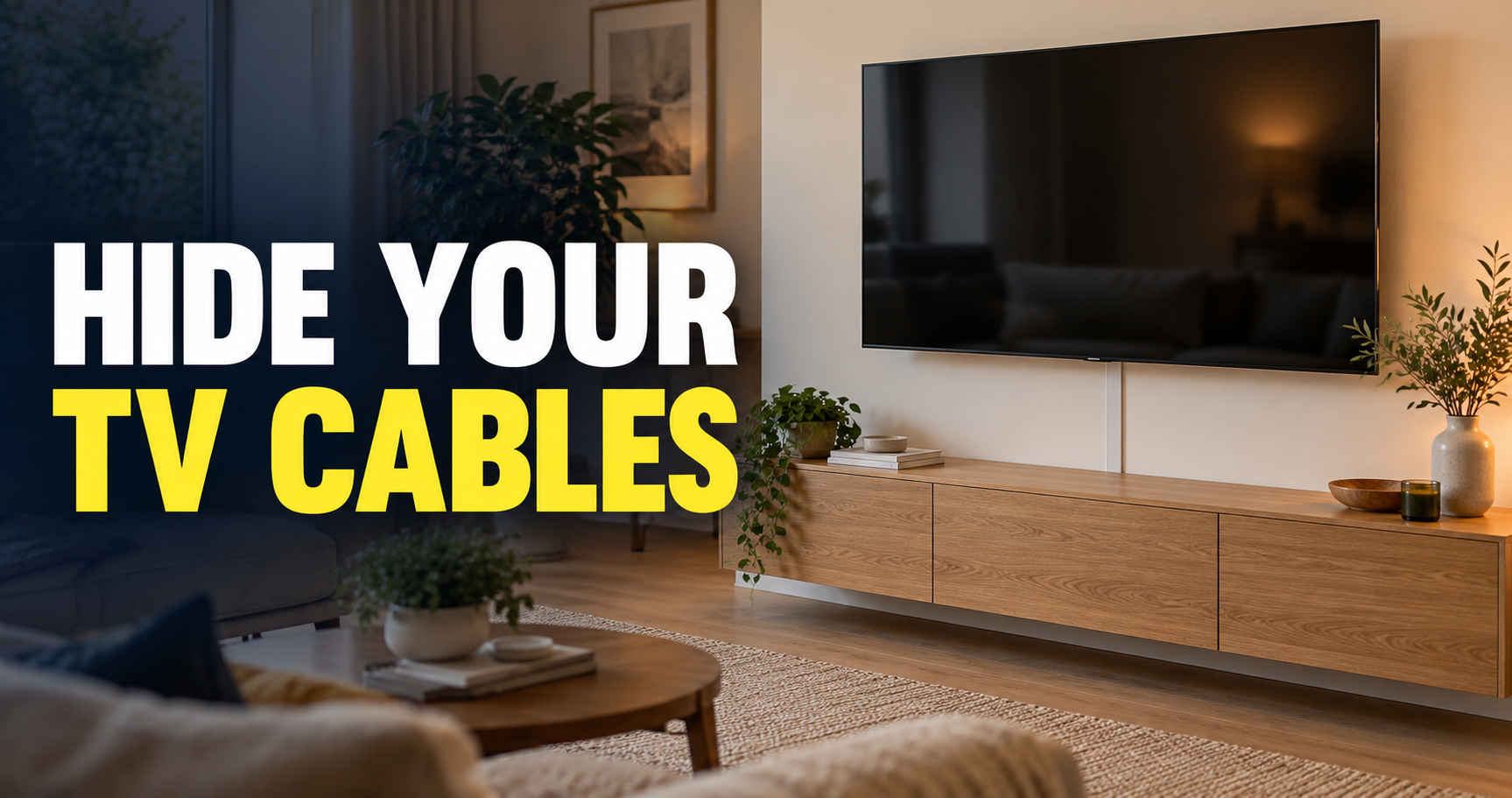
A surface cover can hide TV cables along a tidy route from the screen to a console without opening the wall. Choose a cover suited to the cables and installation instructions. Its size should accommodate the required wiring without crushing it.
Think about the wall colour, route and attachment method. A straight, deliberate route usually looks better than a narrow cover bent around several obstacles. In a rental, discuss permission and restoration before using adhesives or making holes.
3. Route cables through the furniture layout
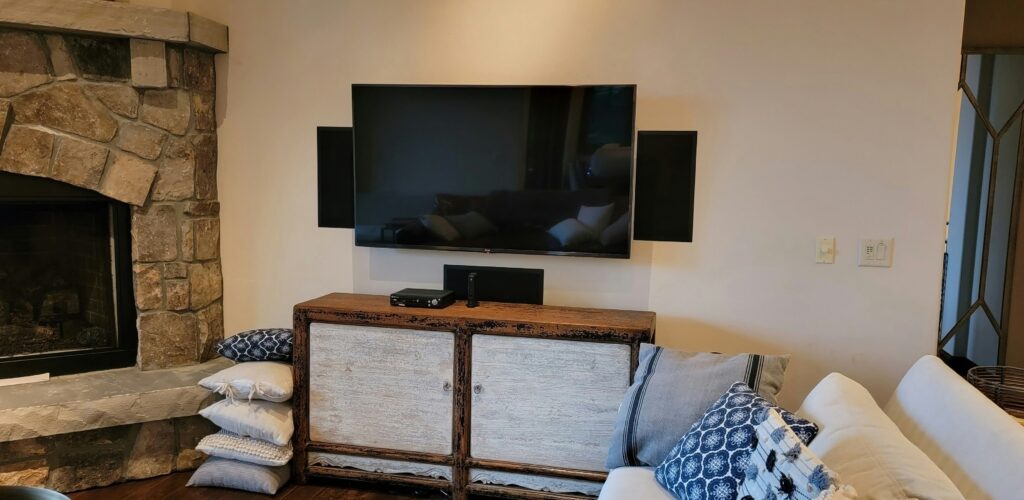
A console beneath the television can help hide TV cables behind furniture while keeping devices accessible. Use suitable cable-management openings and leave enough space to avoid bending connectors tightly against the wall.
Keep the power connection accessible and prevent loose wiring from creating a trip or snagging hazard. A cable bundle should be organised rather than forced behind furniture under pressure. Consider access when the TV or console needs to move.
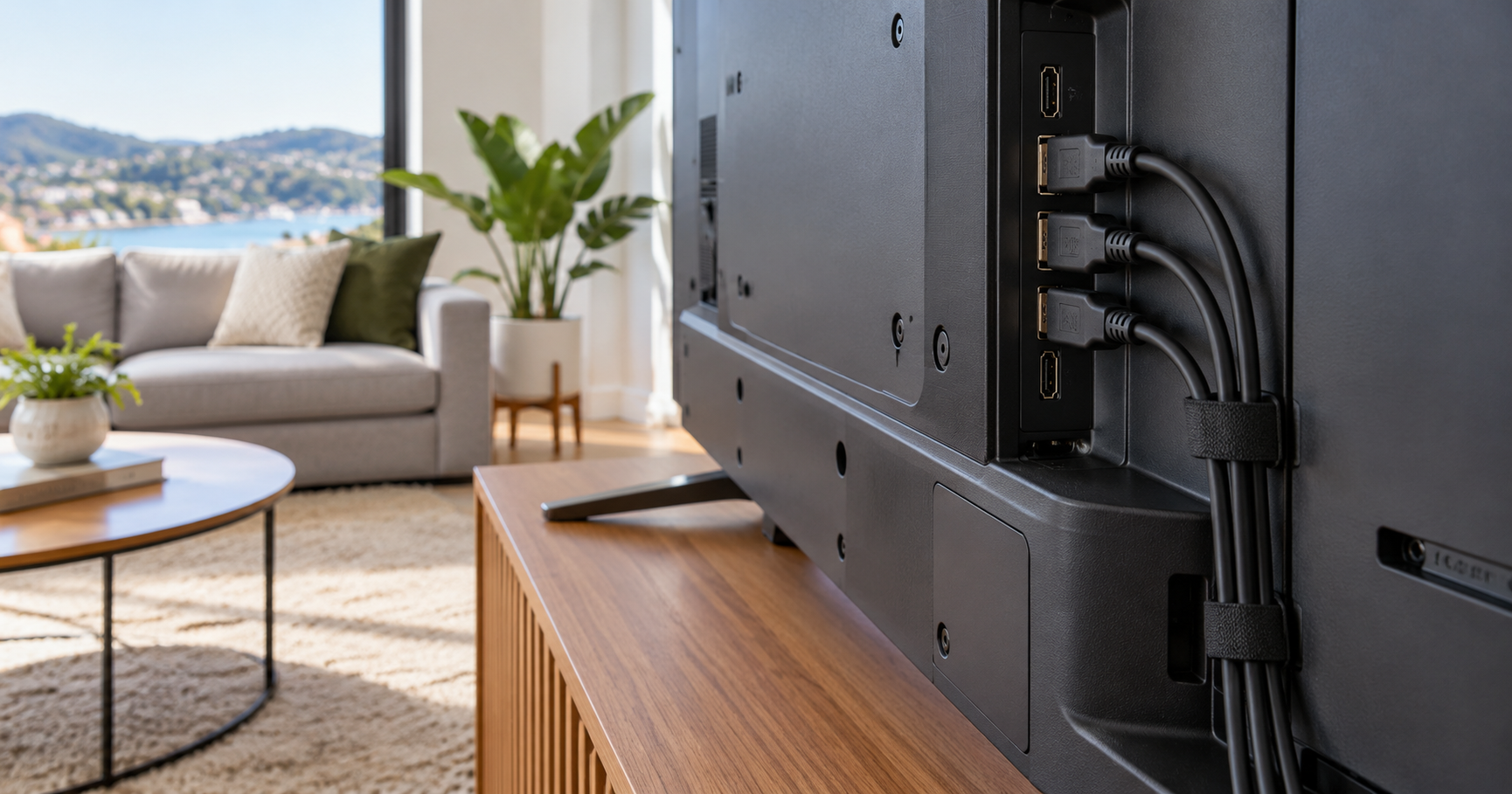
4. Assess an in-wall route before committing
An in-wall route may hide TV cables that are suitable for concealment, but access, insulation, framing and existing services can limit the options. The route needs assessment rather than a promise based only on a room photograph.
Do not push an ordinary mains lead into a wall cavity as a cosmetic solution. Cable suitability and any electrical work require the appropriate assessment. If a power outlet needs moving, arrange that work with the relevant licensed professional and coordinate it with the mounting plan.
5. Plan access for the exact TV model
When planning to hide TV cables, allow for rear-facing connectors that may be difficult to reach behind a low-profile bracket. Check the model’s connection positions and the clearance required. Sony’s connection-access guidance demonstrates why the bracket and television need to be considered together.
Do not select right-angle adapters without checking their fit, signal requirements and effect on available space. A neat arrangement that prevents a cable from being removed is difficult to service. Allow for realistic hand access or a suitable bracket design.
6. Leave controlled slack for a moving mount
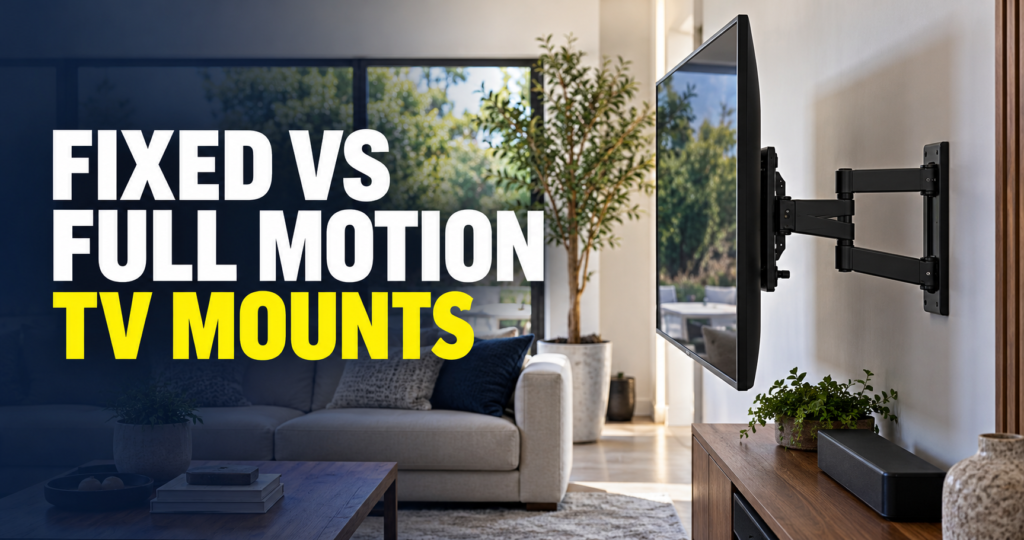
To hide TV cables on a full motion mount, plan cables that can follow the bracket’s permitted movement. Check extension, swivel and tilt without stretching, trapping or sharply bending the wiring. Use the bracket manufacturer’s cable-management provisions where applicable.
Extra cable should not hang loosely from the screen. Secure it appropriately while preserving movement and servicing. Our TV installation checklist covers the broader planning decisions that go with cable management.
7. Test before finishing the installation
Before finishing work to hide TV cables, test picture, sound, input switching and network access with the planned devices connected. Check the functions you actually use, including a soundbar or gaming console, before closing covers or putting furniture back.
Label cable ends where the label will remain accessible. Take a private reference photograph of the connections if useful. This makes a future device change easier and reduces the temptation to pull random cables until something works.
- Confirm every planned input works.
- Check that vents remain clear.
- Test movement if the mount articulates.
- Verify that the power connection is accessible.
What should a cable-management quote include?
For a quote to hide TV cables, ask whether the price includes brackets, cables, covers, wall access, outlet work, finishing and device setup. If several trades are needed, agree who coordinates them. Request a clear explanation of what cannot be confirmed until the wall has been assessed.
Send S-Tech your television model, device list, wall photos and preferred appearance through the TV wall mounting service. A specific brief helps the installer propose a tidy route that works for your room.
hide TV cables: frequently asked questions
Can all TV cables be hidden inside a wall?
No. Wall conditions, cable suitability, services and access can limit the options. Assess the route before choosing concealed installation.
Can I hide the TV power lead in the wall?
Do not treat an ordinary power lead as suitable in-wall wiring. Discuss the correct electrical arrangement with an appropriate professional.
Are surface cable covers a reasonable option?
Yes. A suitable cover can produce a tidy result without opening the wall, provided routing and attachment are planned.
Should cables be tight behind the television?
No. Avoid strain and sharp bends, and leave appropriate slack for movement and servicing.
Need help with hide TV cables? Contact S-Tech Services for a site-specific quote in Wellington.
Related Posts