
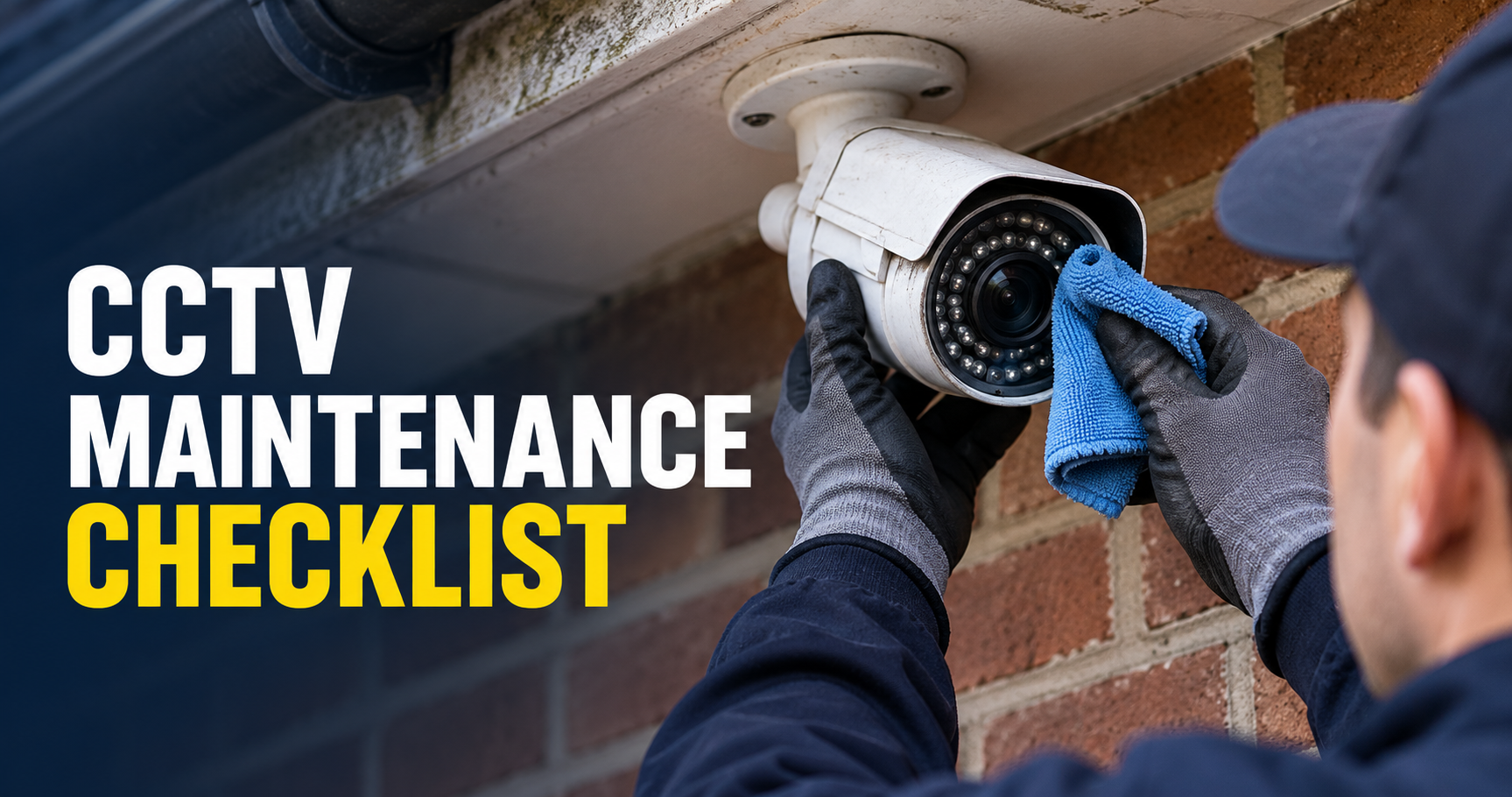
CCTV Maintenance Checklist: 9 Easy, Essential Checks
A CCTV maintenance checklist helps you spot a problem before an incident exposes it. Seeing a live picture is useful, but it does not confirm that footage is being saved, time stamps are correct or a recording can be exported. These nine checks help Wellington homes and businesses organise practical system maintenance.
Table of Contents
- 1. Start your CCTV maintenance checklist with an equipment list
- 2. Review every camera’s field of view
- 3. Inspect accessible lenses and housings
- 4. Play recordings rather than checking only live view
- 5. Verify the clock and camera names
- 6. Check storage health and recording alerts
- 7. Review accounts and updates
- 8. Test remote access and clip export
- 9. Review privacy and changes at the property
- Arrange professional support when a check fails
- CCTV maintenance checklist: frequently asked questions
A CCTV maintenance checklist helps you spot a problem before an incident exposes it. Seeing a live picture is useful, but it does not confirm that footage is being saved, time stamps are correct or a recording can be exported. These nine checks help Wellington homes and businesses organise practical system maintenance.
1. Start your CCTV maintenance checklist with an equipment list
Start the CCTV maintenance checklist by recording camera and recorder models, positions, power arrangements and account ownership. Store purchase information and support details securely. Do not include passwords in a maintenance sheet that is shared widely.
Name the person responsible for checks and decide how faults will be logged. In a business, distinguish staff who can view live pictures from those authorised to export or disclose recordings. Consistent ownership is more useful than occasional checks by whoever notices a problem.
2. Review every camera’s field of view
During the CCTV maintenance checklist, compare each live picture with the camera’s original purpose. A growing shrub, new sign, parked vehicle or changed furniture can block an important area. Cameras can also move after weather or maintenance work.
Compare daylight and low-light images. Look for glare, reflections and areas that are darker than expected. Avoid changing an angle simply to capture more space; retain a purposeful view that limits unnecessary intrusion into neighbouring or private areas.
3. Inspect accessible lenses and housings
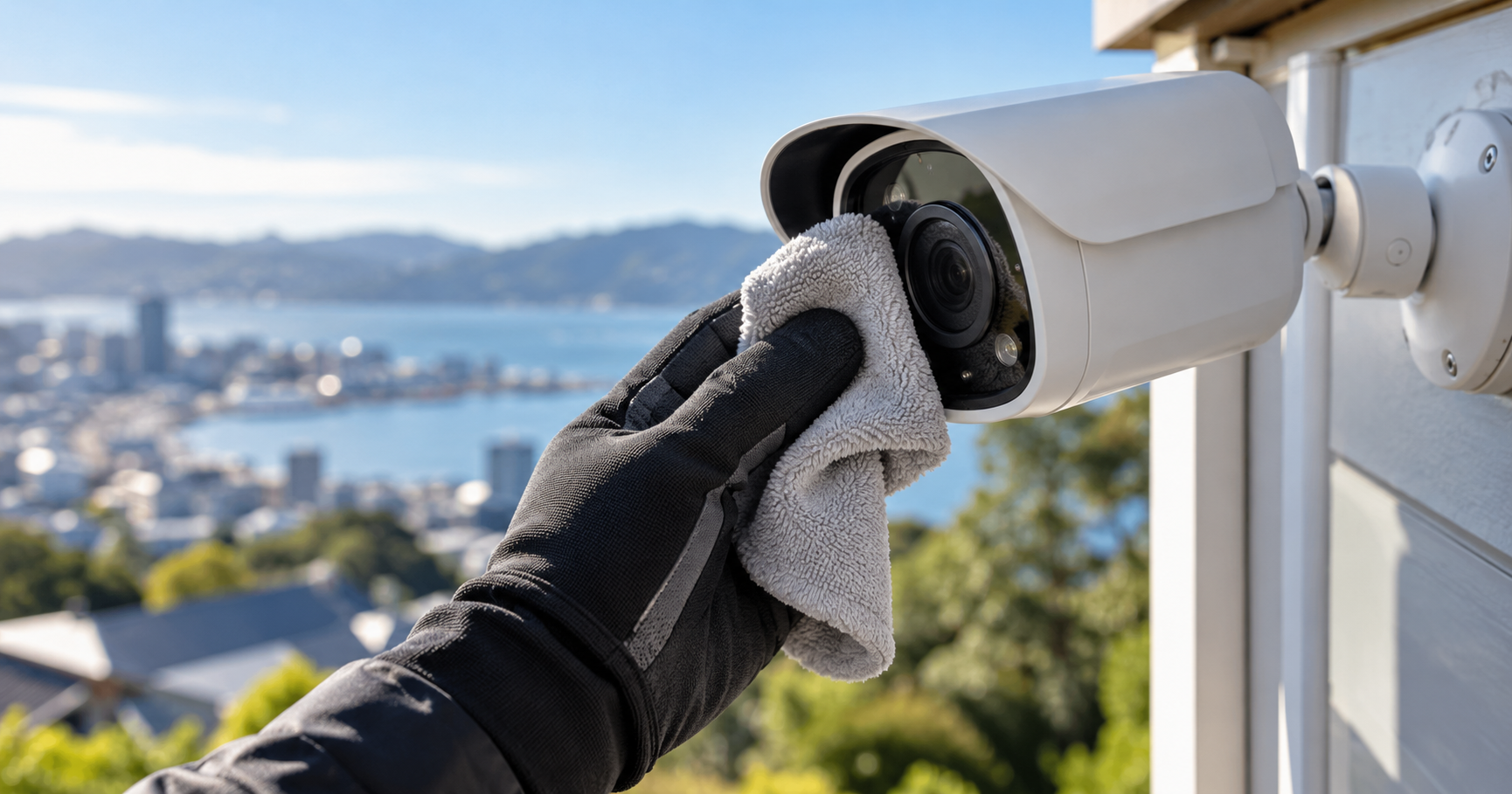
Lens inspection belongs on the CCTV maintenance checklist because dirt, cobwebs and water marks can reduce detail or create reflections. Follow the manufacturer’s cleaning guidance and use appropriate materials. Do not spray chemicals directly into a housing or open equipment without the required knowledge.
Use a safe access method. If a camera cannot be reached from a safe position, arrange professional attention instead of stretching from an unsuitable surface. Record damaged seals, loose brackets or signs of moisture as faults requiring assessment.
4. Play recordings rather than checking only live view
For the playback step of your CCTV maintenance checklist, select a recent time and confirm footage plays from every required camera. Check whether the recording mode matches the intended schedule. If motion recording is used, test a normal walk through the protected area and confirm what was captured.
Inspect the oldest accessible footage to see whether actual retention meets your plan. A recorder can remain online while a storage fault or configuration change reduces the recordings available. Document the observed result and any camera gaps.
5. Verify the clock and camera names
Include time stamps in the CCTV maintenance checklist because incorrect clocks make incidents harder to locate and compare. Check the displayed date, time and timezone settings, including how the system handles seasonal clock changes. Use the product instructions when adjusting time synchronisation.
Name cameras by location rather than leaving every view as a number. Clear names help a user select the right recording quickly. Update the equipment list when a camera is moved so the labels remain meaningful.
6. Check storage health and recording alerts
The storage step of the CCTV maintenance checklist should review recorder health information and storage warnings. Ask your installer how alerts are delivered and whether the intended recipient still receives them. Capacity figures alone do not tell you that storage is operating correctly.
Do not reformat a disk or delete footage while investigating an incident. Preserve relevant recordings appropriately and seek support when a fault affects evidence you need. Our CCTV storage guidance should be considered alongside the specific recorder’s documentation.
7. Review accounts and updates
Account checks in the CCTV maintenance checklist should remove unneeded access and review shared accounts. Change credentials where ownership has changed or compromise is suspected. Enable available security features and keep recovery details controlled by the property or business owner.
Check firmware support and update instructions for the exact device. Plan changes carefully, preserve relevant settings and test recording afterwards. A software update is not complete until the system’s required functions work again.
8. Test remote access and clip export
Include remote viewing through the normal authorised method in your CCTV maintenance checklist. Confirm that the owner can use it without relying on an installer’s personal account. If remote access fails, investigate the camera system and network separately rather than immediately replacing a camera.
Export a short test clip, then play the exported file on another suitable device. This reveals whether an unfamiliar file format or missing player could delay an incident response. Keep the test free of unnecessary personal information.
9. Review privacy and changes at the property
Business signage, retention arrangements and access permissions should still match how the system is used. The Privacy Commissioner’s CCTV resources explain the relevant issues. Domestic systems also benefit from thoughtful positioning and access controls.
New entrances, stock layouts or operating hours can change the security brief. Use the camera placement guide to review coverage, then discuss changes with a qualified installer.
Arrange professional support when a check fails
Save a description of the fault, camera location, timing and any displayed warning. S-Tech’s Wellington CCTV service can assess the installation and advise on the appropriate next step. Agree a maintenance routine suited to the equipment and environment rather than assuming one universal interval.
CCTV maintenance checklist: frequently asked questions
How often should CCTV be checked?
Choose a routine based on the equipment guidance, environment and importance of recording. Check again after outages, updates or changes at the property.
Is live view enough to confirm the system works?
No. Also play stored footage and test export, time settings and recording coverage.
Should I clean camera lenses with household glass cleaner?
Use only methods and products suitable for the manufacturer’s equipment. General cleaning products may not be appropriate.
What if footage is missing?
Record what is missing and any system warnings. Avoid destructive storage changes and seek technical support.
Need help with CCTV maintenance checklist? Contact S-Tech Services for a site-specific quote in Wellington.
Related Posts