
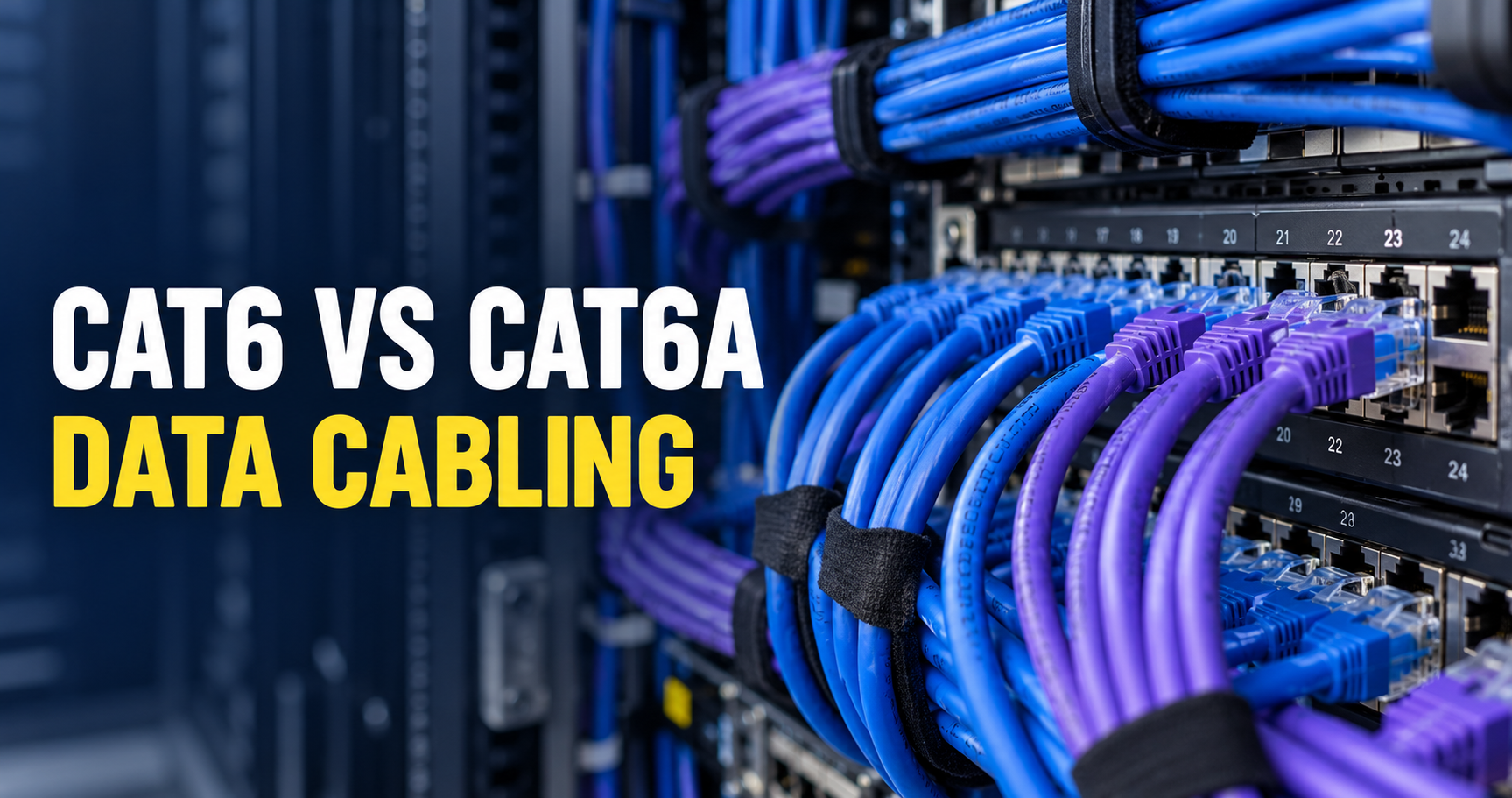
Cat6 vs Cat6A: 7 Easy, Essential Office Checks
The Cat6 vs Cat6A decision should start with the network your Wellington office needs, not simply the highest number printed on a cable box. Cabling becomes part of the building, while computers and switches may change several times. These seven checks help you decide what to install and what to ask for in a cabling quote.
Table of Contents
- 1. Cat6 vs Cat6A: define the job before the cable
- 2. Consider the required speed and channel length
- 3. Assess pathways and installation space
- 4. Choose compatible components throughout
- 5. Include testing and records in the quote
- 6. Plan for powered devices and future use
- 7. Compare the complete project cost
- A practical decision for Wellington businesses
- Cat6 vs Cat6A: frequently asked questions
The Cat6 vs Cat6A decision should start with the network your Wellington office needs, not simply the highest number printed on a cable box. Cabling becomes part of the building, while computers and switches may change several times. These seven checks help you decide what to install and what to ask for in a cabling quote.
1. Cat6 vs Cat6A: define the job before the cable
Start a Cat6 vs Cat6A comparison by listing connected devices, including desks, printers, wireless access points, cameras, phones and meeting-room equipment. Record their current connections and any planned changes. This creates a brief that is more useful than asking for “the fastest cable”.
A small office using ordinary internet applications has different requirements from a business moving large files between local servers and workstations. Faster cabling will not raise the speed of an internet plan or an overloaded application server. Identify which part of the network needs improvement before selecting components.
Compare project priorities
| Priority | Question to ask |
|---|---|
| Current application | What network speed and devices must the installed channel support? |
| Future application | Is full-distance 10-gigabit local networking part of the actual plan? |
| Pathways | Do the proposed products fit the available routes? |
| Evidence | What test level and reports are included? |
2. Consider the required speed and channel length
For Cat6 vs Cat6A planning, Cat6A is commonly selected for new copper installations intended to support 10GBASE-T across a full 100-metre channel. Cat6 can suit many gigabit office networks, but a future application must be assessed against the installed channel and relevant requirements. Cable length is only one performance factor.
A channel includes the permanent installation and connecting cords. The route inside the building may be longer than the straight-line distance between desk and rack. Ask your installer to assess the real routes and proposed application rather than guessing from a floor plan alone.
3. Assess pathways and installation space
Installation space matters in a Cat6 vs Cat6A comparison because Cat6A can require more space and different handling than some Cat6 products. Exact diameters and bend requirements vary. Existing trunking, penetrations, cabinets and termination spaces therefore need checking before an upgrade is specified.
A crowded route can make installation harder and leave less room for future additions. Discuss spare capacity and access, especially where building works will close a ceiling or wall. Selecting a cable category without considering the pathway can produce an expensive plan that is difficult to execute properly.
4. Choose compatible components throughout
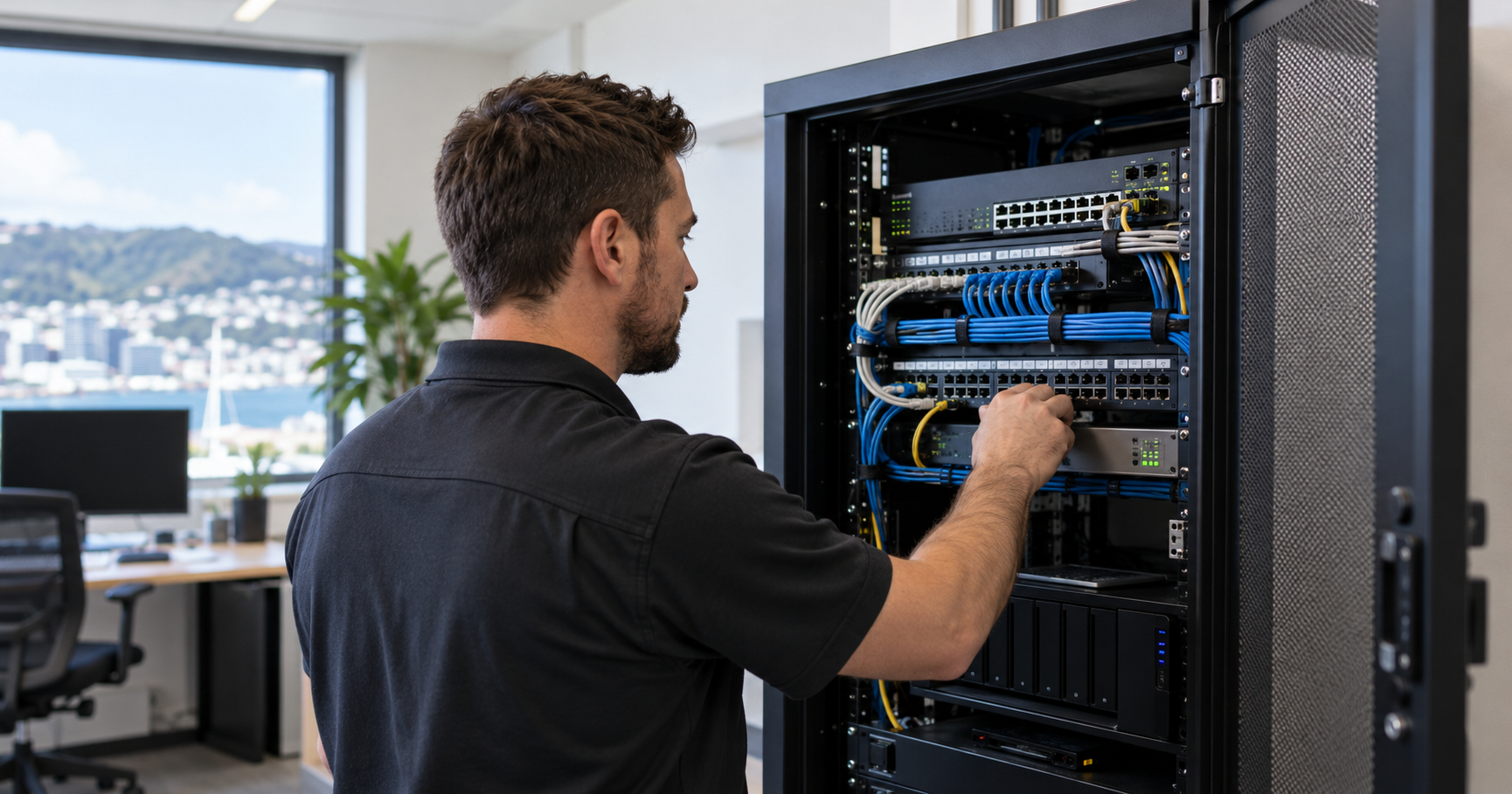
A Cat6 vs Cat6A decision involves the whole structured cabling system, not the cable alone. Outlets, patch panels, connectors and patch cords need to suit the proposed installation. A high-category cable does not automatically turn mismatched components into a high-performance channel.
Ask for a component schedule stating the proposed category and products. Check whether existing patch cords will be retained and whether replacements are included. Consistent labelling should connect desk outlets with patch-panel ports so future troubleshooting does not depend on trial and error.
5. Include testing and records in the quote
For Cat6 vs Cat6A installation quality, a connection that lights up is not the same as a certified installation. Decide whether the project requires basic verification, application qualification or standards-based certification, and put that requirement in writing. The choice influences equipment, reporting and cost.
Fluke Networks explains these testing levels. Ask which test will be performed on each installed link and what results you will receive. Specify certification before work begins if it is needed for your project or warranty arrangements.
6. Plan for powered devices and future use
Include powered devices in Cat6 vs Cat6A planning: wireless access points, IP cameras and some phones may use Power over Ethernet. Their power requirements, the switch capacity and the installed cabling arrangement need to work together. Do not assume a cable-category choice alone resolves every PoE design question.
Allow for foreseeable outlets rather than only today’s desks. A spare outlet near a meeting-room display or a planned access-point position can be more valuable than unused speed at an ordinary workstation. Balance future flexibility with a realistic budget and expected building occupancy.
- Mark current and planned equipment on a floor plan.
- Identify any applications expected to use faster local networking.
- Record the rack position and access requirements.
- Discuss powered devices and spare ports.
7. Compare the complete project cost
Compare Cat6 vs Cat6A quotes using the same outlet count, component scope, test level and finishing requirements. A Cat6A quote with certification and new patch cords cannot be fairly compared with a Cat6 quote that omits both. Include downtime planning and the cost of moving equipment if necessary.
For a refurbishment, installation access may be easier while the workspace is open. For an occupied office, a phased approach may reduce disruption. The lowest material price is not necessarily the lowest total cost if work must later be repeated.
A practical decision for Wellington businesses
Resolve Cat6 vs Cat6A around a documented performance target and a category that can be installed correctly in your building. Cat6 may be a sensible option where the requirements support it. Cat6A deserves consideration where a new installation is planned around longer-term 10-gigabit local networking.
Our structured data cabling guide explains the overall system. For a site-specific plan, use S-Tech’s structured cabling and network service and provide your device list, floor plan and required test results.
Cat6 vs Cat6A: frequently asked questions
Does Cat6A make my internet faster?
It does not increase your internet-plan speed. It can support a suitable local network application when the complete installation and equipment meet the requirements.
Can Cat6 and Cat6A equipment be mixed?
Some components can connect physically, but mixing them does not guarantee the higher category’s performance. The installed channel needs to be assessed and tested.
Should every small office install Cat6A?
No. The decision depends on applications, cable routes, future plans and cost. A documented brief helps avoid both under-specifying and unnecessary spending.
What should I receive after installation?
Ask for outlet labels, a port schedule and the test records agreed in the quote. Keep them with the equipment and network documentation.
Need help with Cat6 vs Cat6A? Contact S-Tech Services for a site-specific quote in Wellington.
Related Posts